Income Reliable School Management System
Income module has 3 sections –
- Add Income
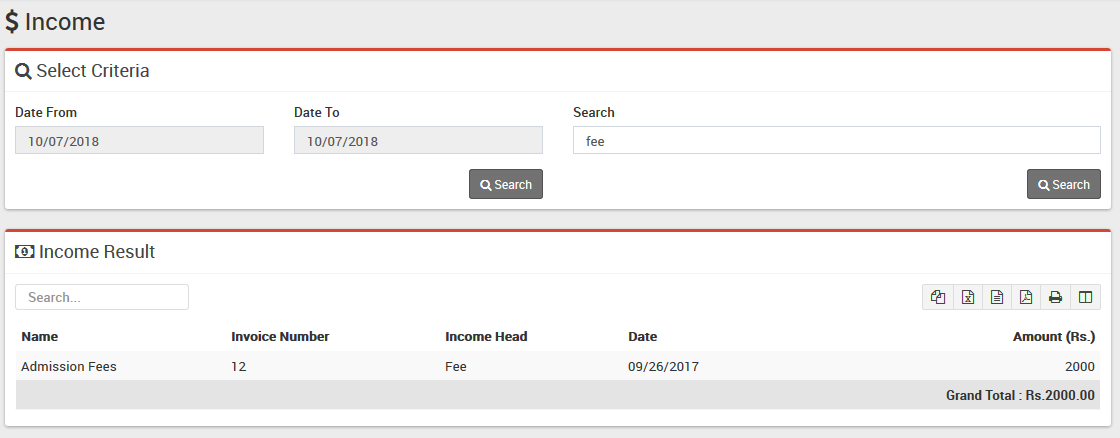
- Search Income
- Income Head
First we will create our Income Head then we will Add our daily/monthly Incomes then we will Search our Income.
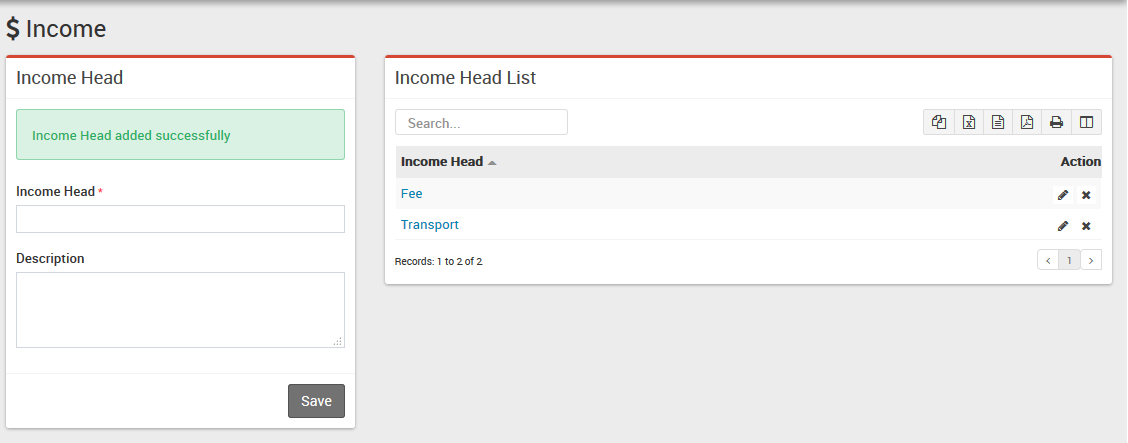
- Income Head– Go to Income > Income Head enter Income Head and its Description then click on Save button. All Income head can be see right side of this page.
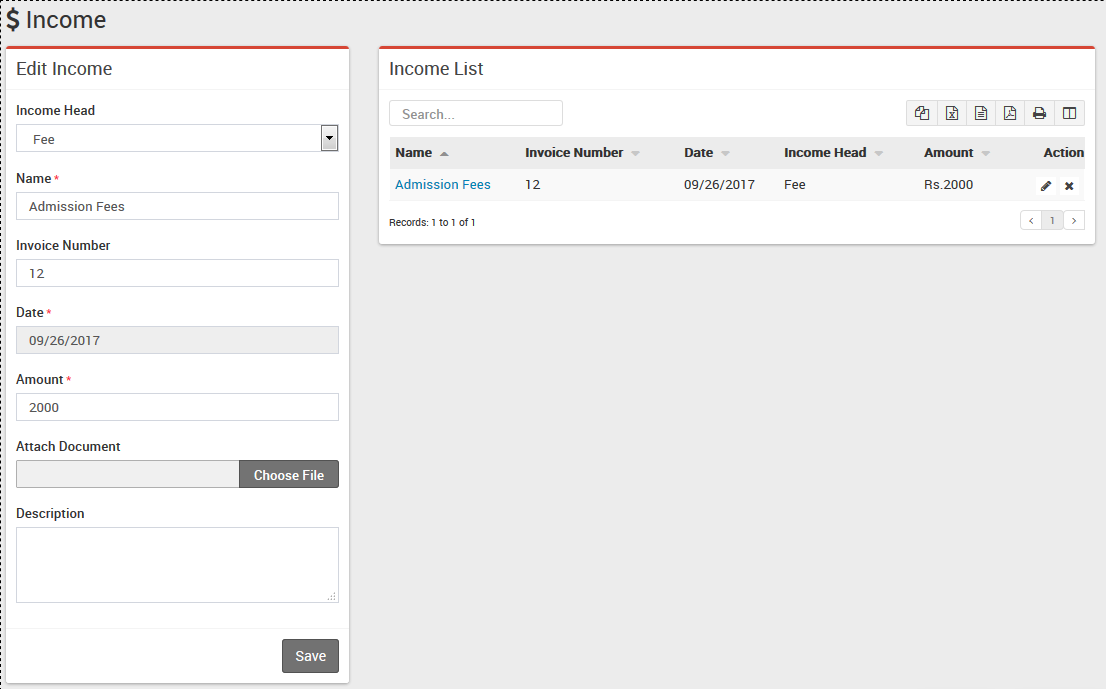
- Add Income– Go to Income > Add Income select Income Head then enter Income Name then Invoice Number, Date of Income then Amount then Attach Document then Description & click on Save button. Recently added 10 Incomes can be see right side of this page.
- Search Income– Go to Income > Search Income to search Incomes between two dates or by a keyword select Date From & Date To or enter keyword then click on Search button, you will get the list of all Incomes related to your search criteria.